 Get a walkthrough
AI that cannot decide.
The objection we hear first, answered first: nothing here signs anything off. It drafts, a person decides, and the decision is on the record.
Get a walkthroughTry to make it approve.
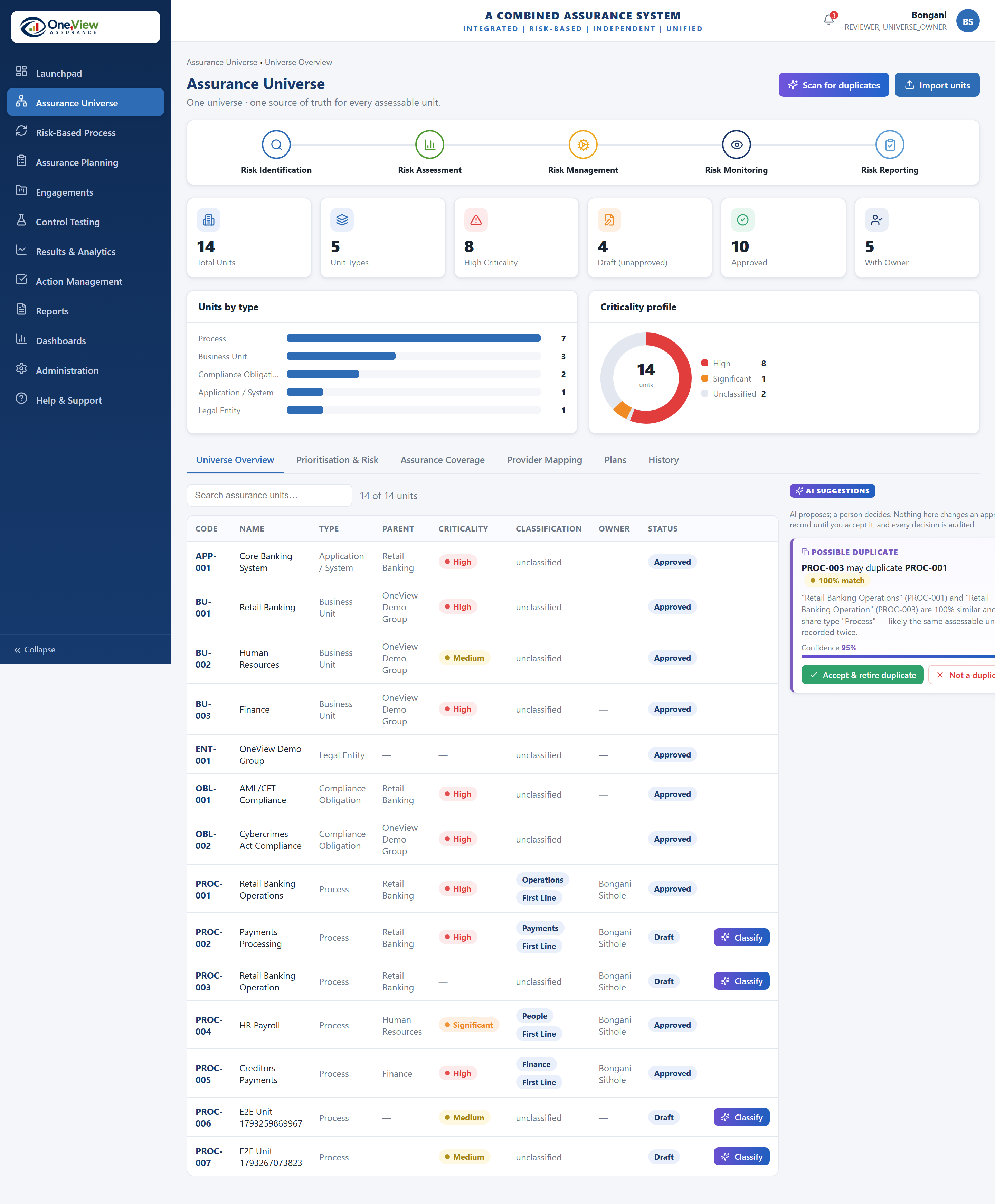
This is the real panel from inside OneView. Accept the suggestion, change it or throw it out — then press Approve.
It will refuse, every time. Approving, issuing and closing belong to people holding the right role, and nothing else can do them.
AI proposes; a person decides. Nothing here changes an approved record until you accept it, and every decision is audited.
PROC-002 Payments Processing — criticality High
Classified as Payments (High criticality) from the unit name “Payments Processing” and type “Process”. First line suggested from the unit type.
Confidence 86%
Try it. AI cannot approve, issue, close or delete anything in OneView.
Nothing yet. Use a control above and the events appear here, in the order they happened. They cannot be edited or removed.
What it actually does
Three dull jobs that eat a week a quarter. Not one of them is a judgement call.
Sorts new items
Suggests how something new should be classified and how serious it looks, with the reason it thinks so. You agree or you do not.
Spots the duplicate
Flags when the same process has been entered twice under two names — the thing that quietly ruins every coverage figure.
Writes the first draft
Turns what was tested and found into a readable finding. The author edits it. The rating underneath does not move when the wording does.
What it is never allowed to do
These are built into the platform, not settings somebody can turn off.
| Set a rating or a score | Every number is calculated from what a person recorded. Written text cannot produce one. |
|---|---|
| Approve, issue or close | Those are human steps, and the person who did the work cannot be the one who signs it off. |
| Change a signed-off record | An accepted suggestion creates a draft. The approved version stays exactly as it was. |
| Delete anything | There is no delete after sign-off. Items are retired, and the history stays. |
| See another client’s data | It only ever sees what the person asking is already allowed to see. |
| Touch whistleblowing cases | Those are kept out of its reach entirely, by design. |
And you can switch it off
Every AI feature has an off switch, and the platform works completely without it. If your board is not ready, start with it off and turn it on later.
Ask us the hard ones.
If you are the one who would have to defend this to an audit committee, those are the questions we most want.
Get a walkthrough